DriverPack Solution
DriverPack Solution quick and auto-updating of drivers

Safe & Secure
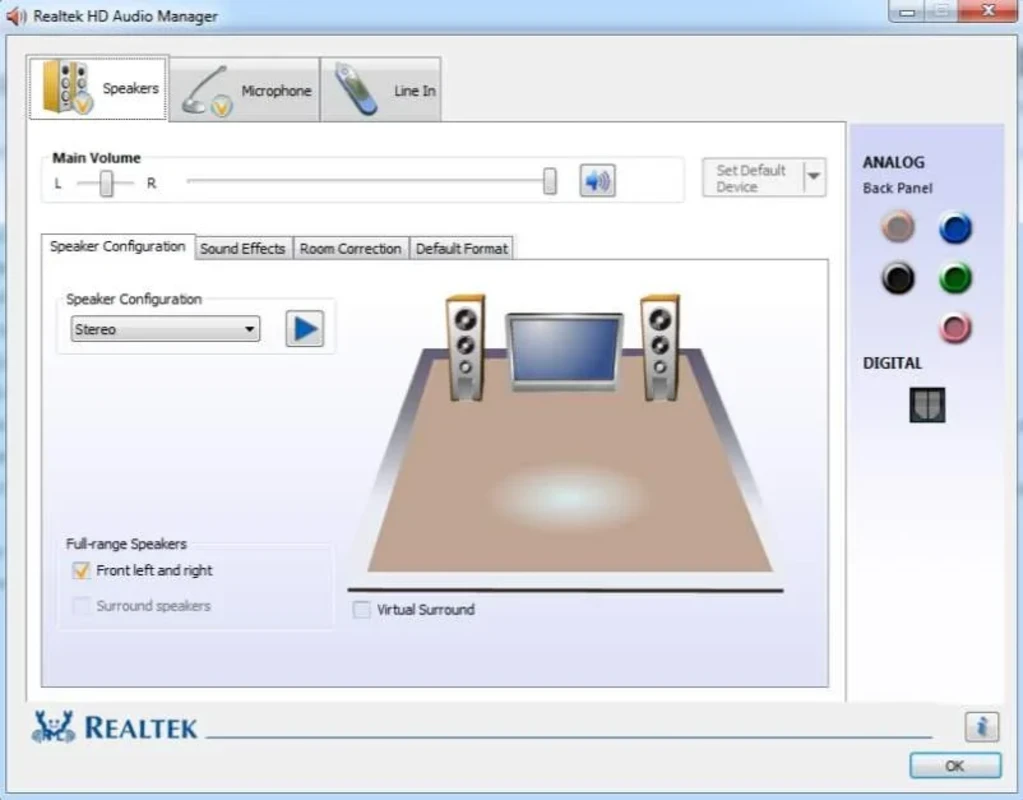
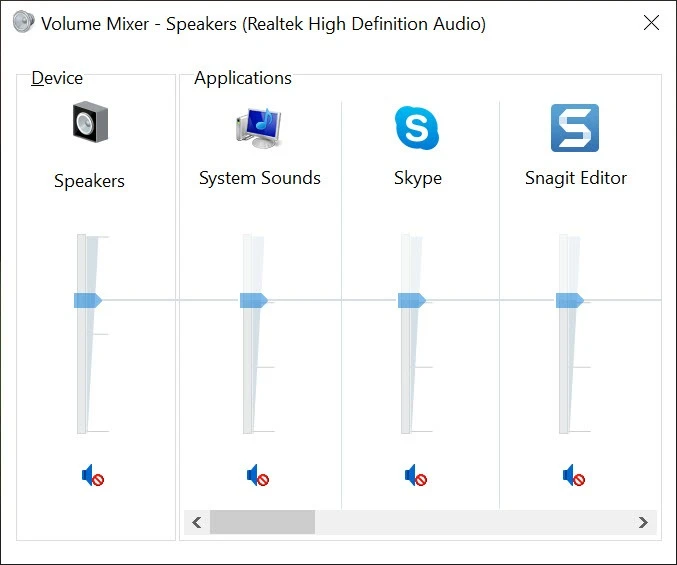
The Realtek HD Audio Driver Codec supports Realtek chipsets to offer high-definition sound for PC users. The system-level audio software ensures that speakers, headphones, and microphones are working correctly with your operating system. It translates digital signals into analog sound, serving as the crucial intermediary.
The cross-platform delivers high-definition audio quality in different scenarios, utilizing multiple advanced algorithms and technologies. It proves to be the best audio solution for home entertainment PCs with flexible mixing, mute, and fine gain control functions.
The precise, crystal-clear sound reproduction makes the app one of the best solutions for all of your auditory needs, as you will find a huge variety of audio effects and enhancements, including virtual surround sound, bass management, and equalization to tailor the audio output according to your preferences. It offers optimized voice clarity with minimized background noise for capturing your recordings, presentations, and voice communications. Moreover, the support for multi-channel audio configurations, such as 5.1 and 7.1 surround sound setups, helps create an immersive and lifelike soundstage.
You will find all basic sound customization, pairing with Realtek HD Audio Manager or Realtek Audio Console. So, you can use equalizer presets and effects such as bass boost and virtual surround to fine-tune your audio. The availability of huge configurations ensures the producing of flawless sound, such as speaker setups configuration, equalizer settings adjustment, and input device management. However, the sound depends upon the quality of the built-in speakers of your PC or connected headphones. Generally, the app proves dependable and widely supported.
In fact, motherboard manufacturers customize the Realtek drivers, but the delivery of frequent and somewhat ambiguous updates can create confusion about selecting the most stable version. It is better to stay connected with the version provided by your manufacturer. But, in the process, you may miss newer features or minor stability fixes, directly released by Realtek. The interface looks outdated and clunky, and in case of pairing with the old-fashioned Realtek HD Audio Manager, you will find unintuitive configuration for surround sound or microphone settings.
Pros
Cons

DriverPack Solution quick and auto-updating of drivers
DirectX 12 launched by Microsoft very effectively controls the games.
DirectX 11 perform multiple tasks about games, and multimedia programs.
DirectX 10 is increasing the quality of audio and video of ATI and NVIDIA cards.
DirectX 9.0c run and display multimedia apps, audio, 2D, and 3D

3uTools offers jailbreaking and flashing features for your iOS devices.